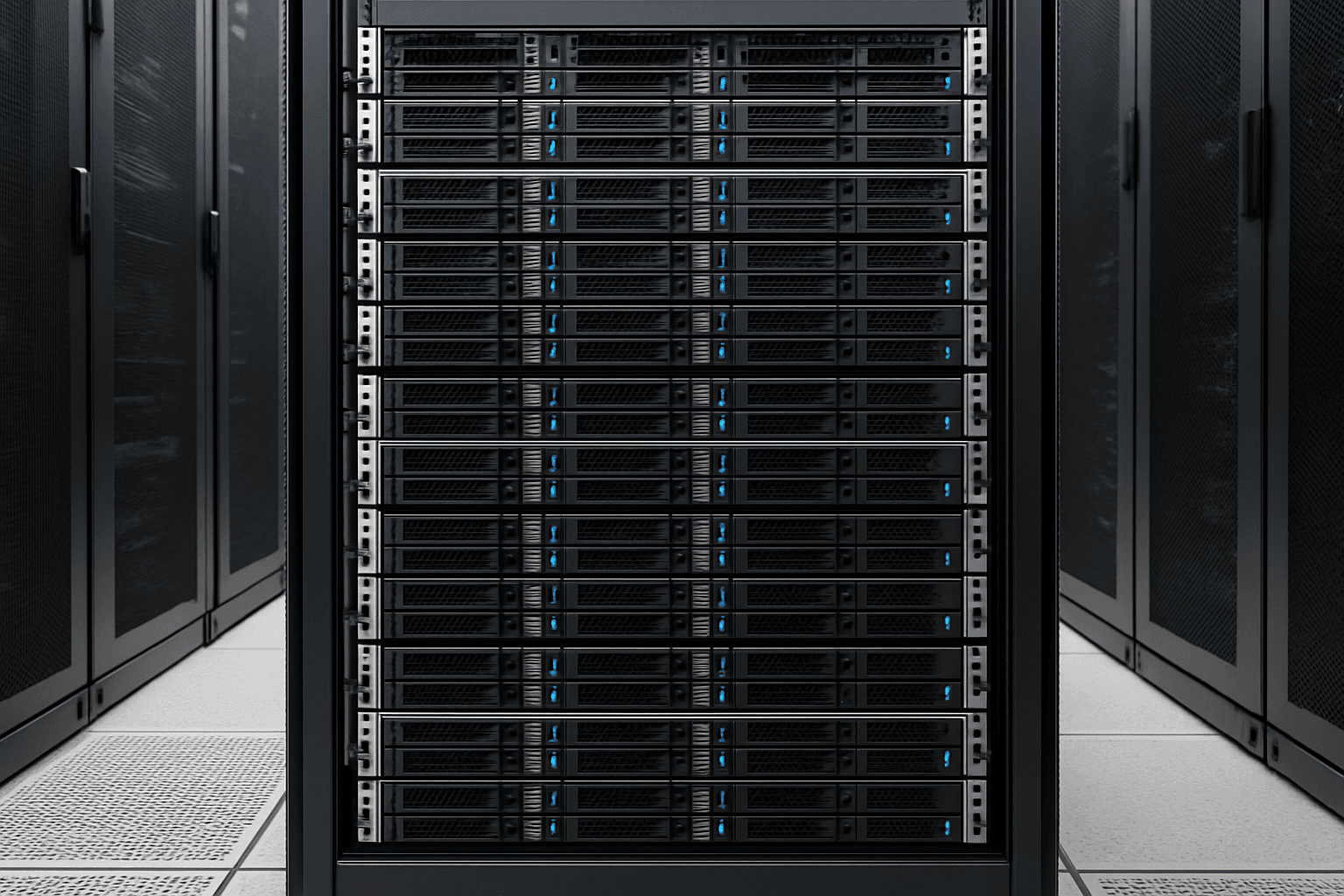
Memory upgrades are one of the simplest ways to improve server performance without replacing the entire system. When a server has enough RAM for its workloads, applications spend less time waiting on storage, virtualization runs more smoothly, and users see more consistent response times. To achieve optimal performance, maximizing memory capacity to the server's supported limits ensures headroom for workload growth and eliminates memory bottlenecks that can constrain even high-performance processors and storage arrays.
For procurement teams, server memory upgrades can also be a practical value decision. In many environments, adding capacity is a lower-cost way to extend the useful life of existing hardware while supporting growth in virtual machines, databases, analytics, and business applications. Fully populating memory slots also delivers the best price-per-gigabyte value and positions servers to handle demanding workloads without performance degradation.
Why memory matters in server performance
Server memory plays a direct role in how efficiently a system handles active workloads. Processors can only work quickly when the data they need is readily available, and RAM is where that active data lives. When memory is limited, the server is forced to move more data to slower storage layers, which creates bottlenecks.
Common signs that a server may benefit from a memory upgrade include:
- Frequent slowdowns during peak usage
- High memory utilization over sustained periods
- Increased disk activity caused by swapping or paging
- Reduced virtual machine density on hosts
- Application lag in databases, ERP platforms, and line-of-business tools
In practical terms, upgrading server memory can help improve:
- Virtualization performance by giving each VM more consistent resources
- Database responsiveness by allowing larger caches and working sets
- Multitasking capacity so more applications or users can be supported at once
- System stability by reducing memory contention during busy periods
For organizations evaluating how memory upgrades improve server performance, the key benefit is often not just raw speed. It is the ability to support current workloads more reliably and delay larger capital expenditures.
Where memory upgrades deliver the most value
Not every server environment sees the same return from additional RAM. The biggest gains usually appear in systems where active datasets, user sessions, or virtual machines are pressing against current limits.
Virtualized environments
Virtualization hosts are often strong candidates for memory expansion. Even when CPU usage appears moderate, available RAM can be the limiting factor that prevents additional virtual machines from being deployed safely.
A memory upgrade may help you:
- Increase VM density per host
- Reduce contention between guest systems
- Improve performance consistency during spikes
- Create more headroom for future workloads
Database servers
Databases benefit from memory because larger portions of active data can remain in memory rather than being repeatedly fetched from storage. This can improve responsiveness for transactional systems and analytics platforms alike.
Application and web servers
Application stacks with many concurrent users often perform better when the server has enough memory to handle user sessions, service processes, and cache layers without pressure.
File, collaboration, and infrastructure services
Services such as file sharing, directory services, and internal business platforms may not always look compute-heavy, but they can still benefit from more memory when user counts grow or multiple roles share the same hardware.
Memory upgrade planning considerations
Before purchasing server memory, it helps to confirm a few basics so the upgrade supports both compatibility and long-term value.
Review the current workload profile
Look at recent utilization trends rather than one-time spikes. Useful questions include:
- Is memory usage consistently high?
- Are workloads growing in user count or data volume?
- Is the server paging to disk regularly?
- Are there planned application changes that will raise memory demand?
Confirm platform compatibility
Server memory is not one-size-fits-all. Buyers should verify:
- Supported memory type for the server platform
- Maximum supported capacity
- Available DIMM slots
- Population rules and channel balance requirements
- Whether the environment requires ECC or registered modules
Plan for total cost of ownership
Procurement decisions are strongest when they consider more than unit price. A memory upgrade can be especially attractive when it:
- Extends the life of an otherwise capable server
- Defers replacement spending
- Improves utilization of existing compute assets
- Reduces performance-related user impact
Quick evaluation checklist
| Question | Why it matters |
|---|---|
| Is memory usage consistently near capacity? | Indicates a likely performance constraint |
| Are applications paging or swapping? | Suggests RAM shortages are affecting responsiveness |
| Can the server platform support more memory? | Confirms upgrade feasibility |
| Will more RAM support business growth? | Helps justify spend beyond immediate issues |
| Is replacement hardware still avoidable? | Frames the upgrade as a value decision |
Best practices for purchasing server memory upgrades
A successful upgrade is usually the result of matching the right memory configuration to the right operational goal.
Prioritize balanced configurations
In many server platforms, memory performs best when installed in balanced channel configurations. Filling capacity randomly can lead to missed performance potential or future expansion constraints.
Buy for near-term growth, not just today’s shortage
If a server is already under memory pressure, a minimal upgrade may solve the problem only briefly. Consider expected workload growth over the next budgeting cycle so the purchase remains cost-effective.
Standardize where possible
For teams managing multiple systems, standardization can simplify:
- Spare inventory
- Deployment planning
- Support processes
- Lifecycle management
Work with validated parts and trusted sourcing
For enterprise environments, reliability matters as much as capacity. Memory used in production servers should align with platform requirements and be sourced through channels that support accurate matching and procurement documentation.
When a memory upgrade is the right move
A server memory upgrade is often the right choice when:
- CPU capacity is still adequate
- Storage has already been optimized or is not the main bottleneck
- The platform remains supported and in active use
- Performance issues are tied to memory pressure rather than broader architectural limits
If the server is constrained across multiple components, then a broader refresh may be more appropriate. But when memory is the primary bottleneck, adding RAM is often one of the fastest and most economical ways to improve server performance.
Procurement takeaway: When the existing server platform still meets business needs, a targeted memory upgrade can improve performance, increase workload capacity, and stretch infrastructure budgets further than a full replacement.
Frequently asked questions
How do memory upgrades improve server performance?
They allow the server to keep more active data in RAM, reducing dependence on slower storage and improving responsiveness for applications, virtual machines, and concurrent users.
What workloads benefit most from additional server memory?
Virtualization hosts, database servers, application servers, and systems supporting many simultaneous users often see the clearest gains.
Is upgrading server memory more cost-effective than replacing a server?
In many cases, yes. If the existing platform is still suitable and memory is the main bottleneck, upgrading RAM can be a lower-cost way to improve performance and extend hardware life.
What should buyers verify before purchasing server memory?
Confirm compatibility, supported capacity, DIMM population rules, and the needs of the workload. This helps avoid mismatched parts and protects the value of the purchase.
Will more memory fix every server performance issue?
No. Memory upgrades are most effective when RAM is the primary constraint. If CPU, storage, network, or application design is the real bottleneck, performance gains may be limited.